Short answer: the five measures that matter most are multi-factor authentication on every remote access path, fast patching of internet-facing systems, tested backups that attackers cannot reach, endpoint protection on every computer, and a written plan for the first hour of an incident. Most successful attacks begin through a small number of ordinary weaknesses, so closing them removes most of the risk.
Last reviewed: November 2026.
Why small businesses are targeted
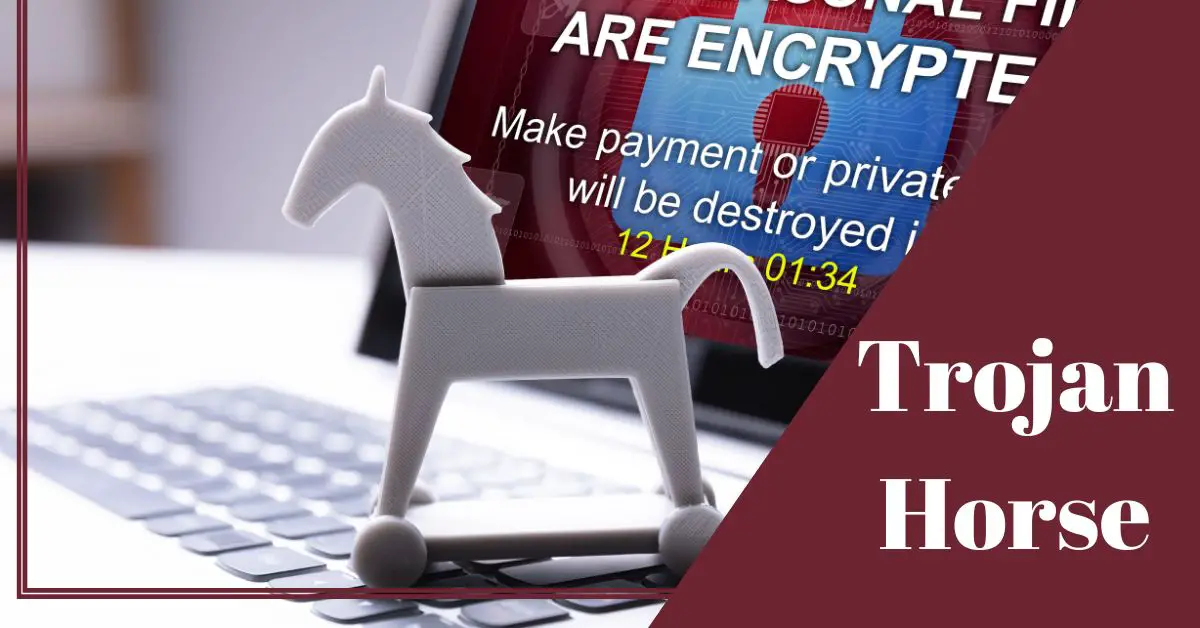
Ransomware is malware that encrypts your files, and often steals a copy first, then demands payment. Small businesses are frequent victims, not because they hold the most money but because they often have thin defences and cannot survive many days offline. Criminal groups also sell ransomware as a service, which lets attackers with modest skills target easy organisations at scale. Pressure to restore operations quickly is the lever attackers rely on.
How attackers usually get in
- Phishing that steals a login or delivers malware.
- Exposed remote access, such as remote desktop or a VPN without multi-factor authentication, protected only by a password.
- Unpatched internet-facing software, including firewalls, VPN appliances, mail servers and web applications.
- Stolen or reused credentials bought from earlier breaches.
- Infected downloads and malicious ads that give an initial foothold.
The checklist
1. Back up in a way ransomware cannot touch
Backups are the difference between a bad week and a closed business. Follow the 3-2-1 idea: three copies, on two kinds of storage, with one copy kept offline or in an immutable form that cannot be altered or deleted. Attackers deliberately look for and encrypt backups connected to the network. Test a full restore at least twice a year and time it, because the number that matters is how long recovery takes. Our backup rule guide shows a simple setup.
2. Put multi-factor authentication on every remote door
Require it for email, cloud services, VPN, remote desktop and administrator accounts. Do not expose remote desktop directly to the internet. Where you can, choose phishing-resistant methods such as security keys or passkeys for administrators. See our comparison of two-factor methods.
3. Patch quickly, starting with what faces the internet
Turn on automatic updates and give priority to firewalls, VPN gateways, mail systems and web servers. CISA publishes a Known Exploited Vulnerabilities catalogue listing flaws that attackers are actively using, which makes a useful priority list. Retire software that no longer receives updates.
4. Protect every computer
Install reputable endpoint protection on all computers and servers, and keep it updated. Modern products add behaviour-based detection that can stop encryption in progress. Managed detection services can watch your systems around the clock if you lack in-house staff.
5. Secure email and train people
Filter attachments and links, and set up SPF, DKIM and DMARC to make it harder for others to impersonate your domain. Run short, regular training using real examples, with a simple no-blame way to report suspicious messages. Our guide to spotting phishing emails is a good starting handout.
6. Limit what one mistake can reach
Give staff only the access they need, keep administrator accounts separate from everyday ones, and segment the network so that a single infected laptop cannot reach every file server. Use unique passwords through a password manager.
7. Know your assets and your data
Keep a list of systems, software and where sensitive data lives. You cannot protect or restore what you cannot find. Encrypt laptops and removable drives.
8. Write a one-page response plan
- Who makes decisions, and who is called first: your IT provider, insurer, lawyer and bank.
- Print the contact list. Your email may be unavailable during an incident.
- Decide in advance how you will communicate with staff and customers.
- Check whether your cyber insurance covers incident response, and what it requires of you.
If you are hit: the first hour
- Isolate. Disconnect affected computers from the network and Wi-Fi. If you cannot disconnect them, power them down as a last resort.
- Do not wipe or reinstall yet. Evidence and encrypted files may matter for investigation and recovery.
- Call your response contacts and secure any accounts that may have been exposed, starting with administrators.
- Find out what was taken. Many attacks also steal data, which can trigger legal duties to notify customers or regulators.
- Report the incident to the police or your national cybersecurity agency. In the United States, CISA and the FBI accept reports.
- Restore from clean backups only after the attacker’s access has been found and removed, or they will return.
Should you pay?
Government agencies and security groups advise against paying. Payment does not guarantee working decryption keys, does not stop stolen data from being leaked or sold, marks you as a willing payer, and funds further attacks. Sanctions and local laws may also restrict payments. Treat it as a decision to make with legal and expert advice, and invest your effort in preparation, which is why the guidance from groups such as the Institute for Security and Technology is summed up as prepare, do not pay.
Frequently asked questions
Is antivirus enough?
No. It is one layer. Backups, multi-factor authentication, patching and a response plan matter at least as much.
Do cloud services protect me automatically?
Not completely. Cloud providers secure their platforms, but you are responsible for accounts, sharing settings, multi-factor authentication and backups of important data.
How much should a small business spend?
Many of the most effective measures are cheap: multi-factor authentication, updates, offline backups and training. Spend first on closing the entry points listed above.
Sources and further reading
- CISA, StopRansomware guidance and Known Exploited Vulnerabilities catalogue: cisa.gov/stopransomware
- Institute for Security and Technology, Prepare, Don’t Pay: securityandtechnology.org
- US Small Business Administration, cybersecurity resources for small businesses