
Short answer: start with your phone: iPhones automatically alert you to an unknown AirTag or Find My device travelling with you, and Android phones (and iPhones, through a cross-platform standard) warn about unknown Bluetooth trackers; you can also run a manual scan. Then physically inspect the car with a torch: under the bumpers and wheel arches, inside the OBD-II port area under the dashboard, under seats, in the boot and spare-wheel well, and in the glovebox. If you find a tracker and suspect stalking, photograph it, do not drive to your home, and contact the police or a support service before removing it.
Cheap GPS trackers and Bluetooth item trackers like AirTags have made covert tracking easy. Most are used legitimately, to find keys or protect a car from theft, but they are also used by abusive partners, stalkers and car thieves who tag a vehicle to steal it later. Both Apple and Google have added anti-stalking features in response.
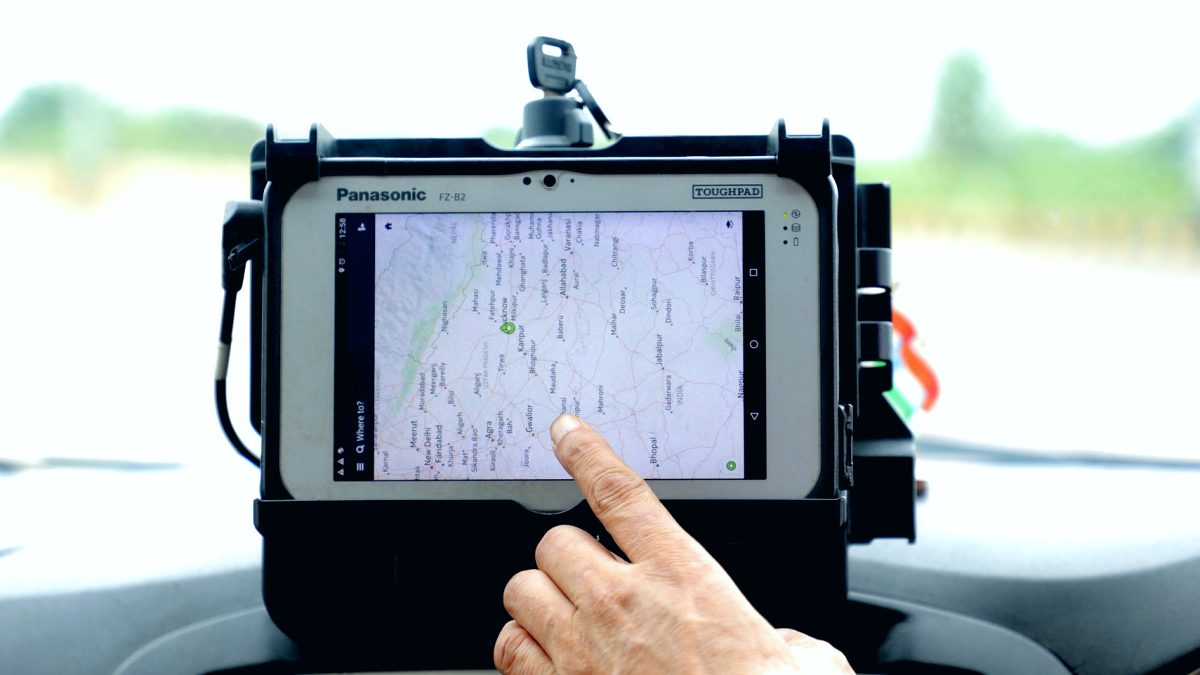
Types of trackers
Bluetooth item trackers such as Apple AirTags, Samsung SmartTags and Tile report location through nearby phones. They are small, cheap and run for months on a coin battery. GPS trackers with a SIM card report location over mobile networks and work anywhere with signal; battery models last days to weeks, while hardwired or OBD-II plug-in models draw power from the car. Built-in vehicle telematics, such as manufacturer apps or insurance boxes, can also reveal location if someone else has access to the account.
Step 1: Use your phone’s tracker alerts
On iPhone, make sure Bluetooth, Location Services and Find My notifications are on (Settings > Notifications > Tracking Notifications). If an unknown AirTag or compatible tracker moves with you, iOS shows “AirTag Found Moving With You” and lets you play a sound to find it. On Android 6.0 and later, Google’s unknown tracker alerts are on by default (Settings > Safety & emergency > Unknown tracker alerts), and you can tap Scan now to search manually. Since 2024, Apple and Google support a shared industry specification so alerts work across platforms for compatible trackers. Note that alerts typically appear after the tracker has been near you for some time, and GPS trackers with SIM cards will not trigger them.
Step 2: Inspect the outside of the car
Choose a well-lit place and use a torch. Check inside front and rear bumpers, wheel arches and behind mud flaps, the underside of the car along the frame (magnetic trackers often stick to metal surfaces), behind licence plates, and under the edges of the roof racks. Look for small black boxes, items held by magnets or zip ties, or wires that do not match the car’s factory wiring.
Step 3: Inspect the inside
Check the OBD-II port under the steering column; plug-in trackers sit here and look like small adapters. Look under and between seats, in seat pockets, under floor mats, in the glovebox, centre console and door pockets, in the boot including under the floor and in the spare-wheel well, and behind the sun visors. AirTags are about the size of a large coin and easy to tuck into seams.
Step 4: Check accounts and apps
If your car has a connected app, check which phones and users have access and remove unfamiliar ones. Change the account password. Check your phone’s Find My and Google location sharing settings for people you share location with, and on iPhone use Safety Check (Settings > Privacy & Security > Safety Check) to review sharing.
If you find a tracker
- Prioritise your safety. If you fear someone is stalking you, avoid going straight home; drive to a police station or busy public place.
- Document it: photograph it in place and note when and where you found it.
- Identify it: on iPhone and Android, tapping an AirTag or compatible tracker with NFC can show its serial number and partial owner phone number, which can help police.
- Disable it when safe (for an AirTag, twist the back off and remove the battery), understanding the owner may notice it went offline.
- Report it to the police. Apple and Google cooperate with law enforcement requests for owner information. Domestic violence organisations can help with safety planning.
Frequently asked questions
Can a mechanic check for trackers?
Yes. A mechanic or car audio specialist can inspect the wiring and underside more thoroughly.
Do RF detectors find GPS trackers?
They can detect trackers while transmitting, but many trackers transmit only occasionally, so results vary.
Is it legal to track someone’s car?
Laws vary, but tracking another person without consent is illegal in many places, especially when it amounts to stalking.
Why didn’t my phone alert me?
The tracker may be a GPS model with a SIM card, alerts may be off, or not enough time has passed.
Related: spot stalkerware on a shared device, remove stalkerware from iPhone.